
Download Clean Master – clean master, clean master cleaner, android optimization, device cleanup, app cleaner, cache cleaner, phone booster, malware scanner, junk remover, free app
Overview
Clean Master Cleaner is a mobile application designed to help Android users maintain optimal device performance by addressing common issues such as storage bloat, cache accumulation, and background process clutter. Over time, Android devices can slow down due to the buildup of unnecessary files, outdated app data, and excessive startup programs. This app provides a suite of tools aimed at mitigating these problems without requiring users to resort to factory resets or manual data cleanup. It is particularly useful for individuals seeking a streamlined way to manage their device’s health and improve responsiveness.
The app targets a broad audience, including casual smartphone users, students, and professionals who rely on their devices for daily tasks. Its free availability makes it accessible to users across different economic backgrounds. Developed by 360 Security, a company known for digital security solutions, the app leverages a lightweight antivirus engine to detect and remove potential malware threats. Real-world use cases include preparing a device for resale by thoroughly cleaning residual data, optimizing performance before important events, or simply maintaining long-term device efficiency.
Clean Master Cleaner plays a notable role in the Android productivity ecosystem by offering a centralized tool for system maintenance. While it does not replace more advanced system-level tools, it serves as a practical first-line solution for users who lack technical expertise. The developer did not provide additional technical details about its internal architecture or data handling processes.
Key Features & Functionality
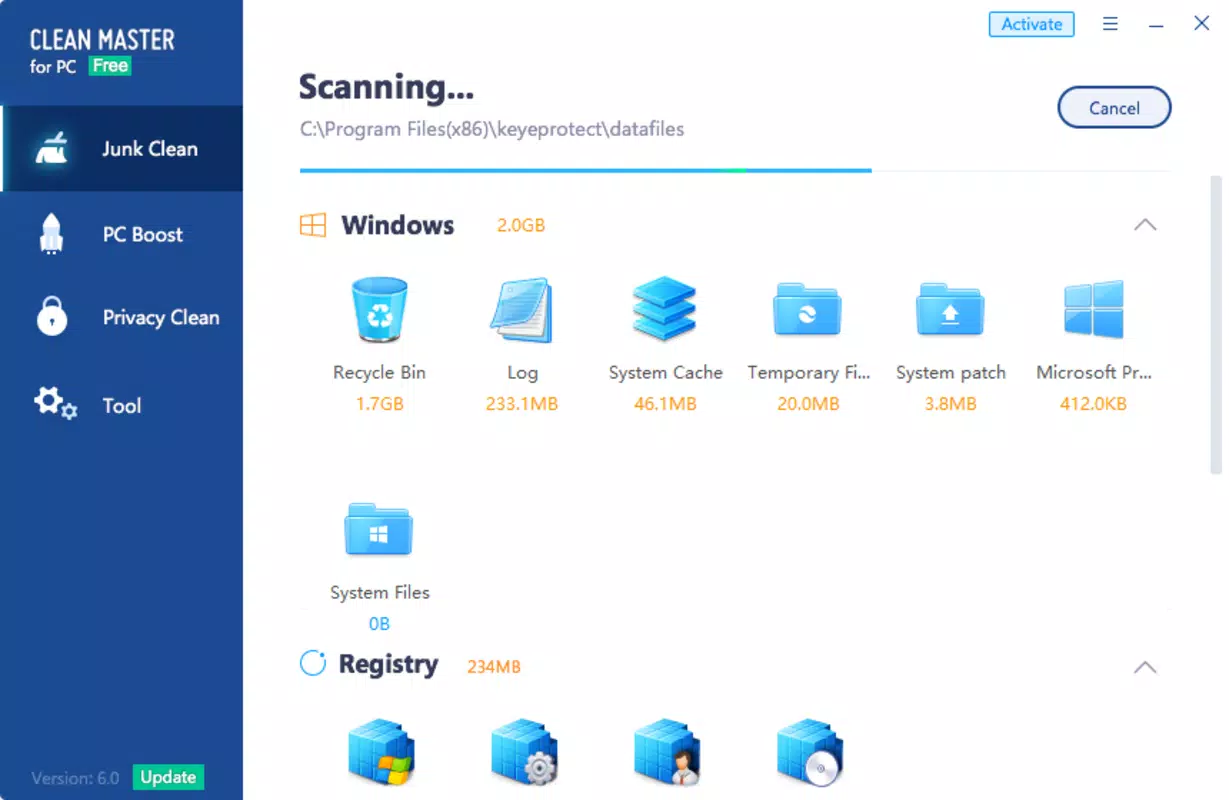
- Cache and Junk File Cleanup: Scans and removes temporary files, cache data, and redundant app files that accumulate over time, helping reclaim storage space.
- App Management: Identifies unused or rarely used applications and allows users to uninstall them, along with their associated residual files.
- Startup Manager: Enables users to disable apps that launch automatically at boot, reducing boot time and improving system responsiveness.
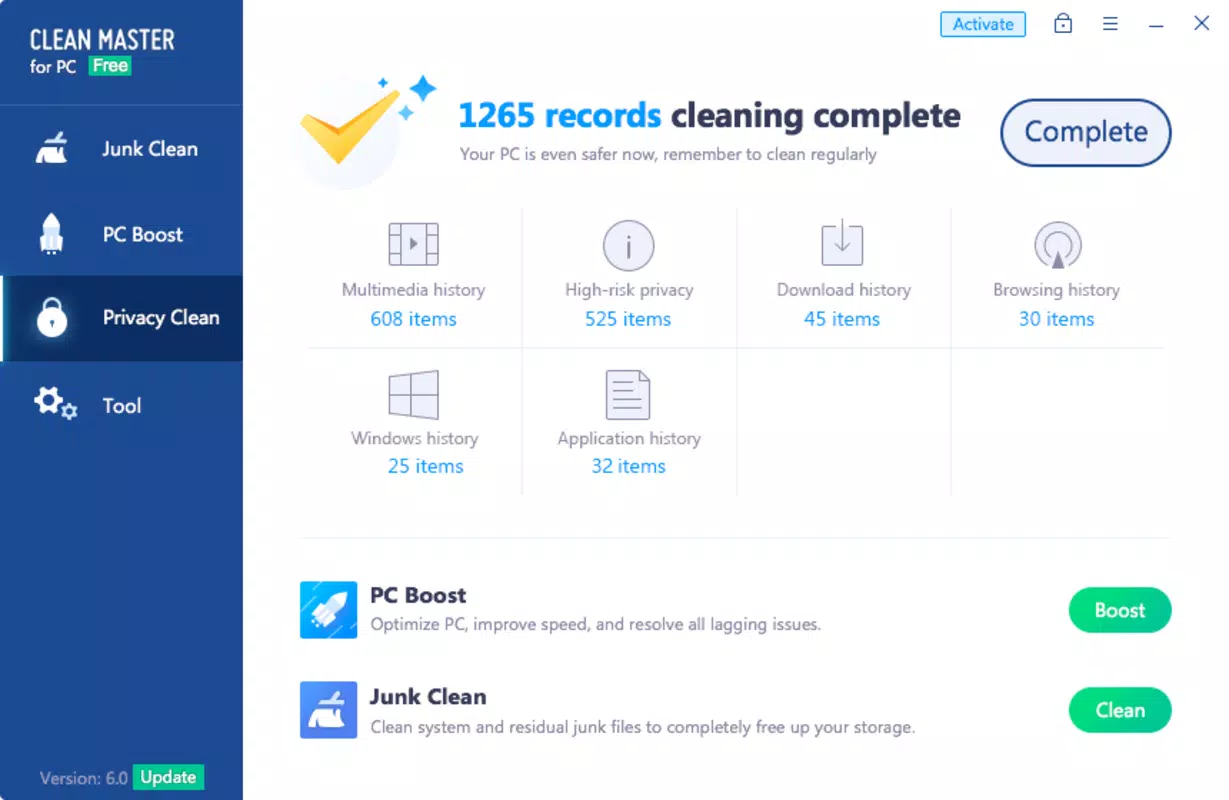
- Browsing and History Cleaner: Clears browser history, call logs, SMS records, and other personal data on demand to protect privacy.
- Malware Scanner: Includes a lightweight antivirus component that detects and removes potentially harmful applications.
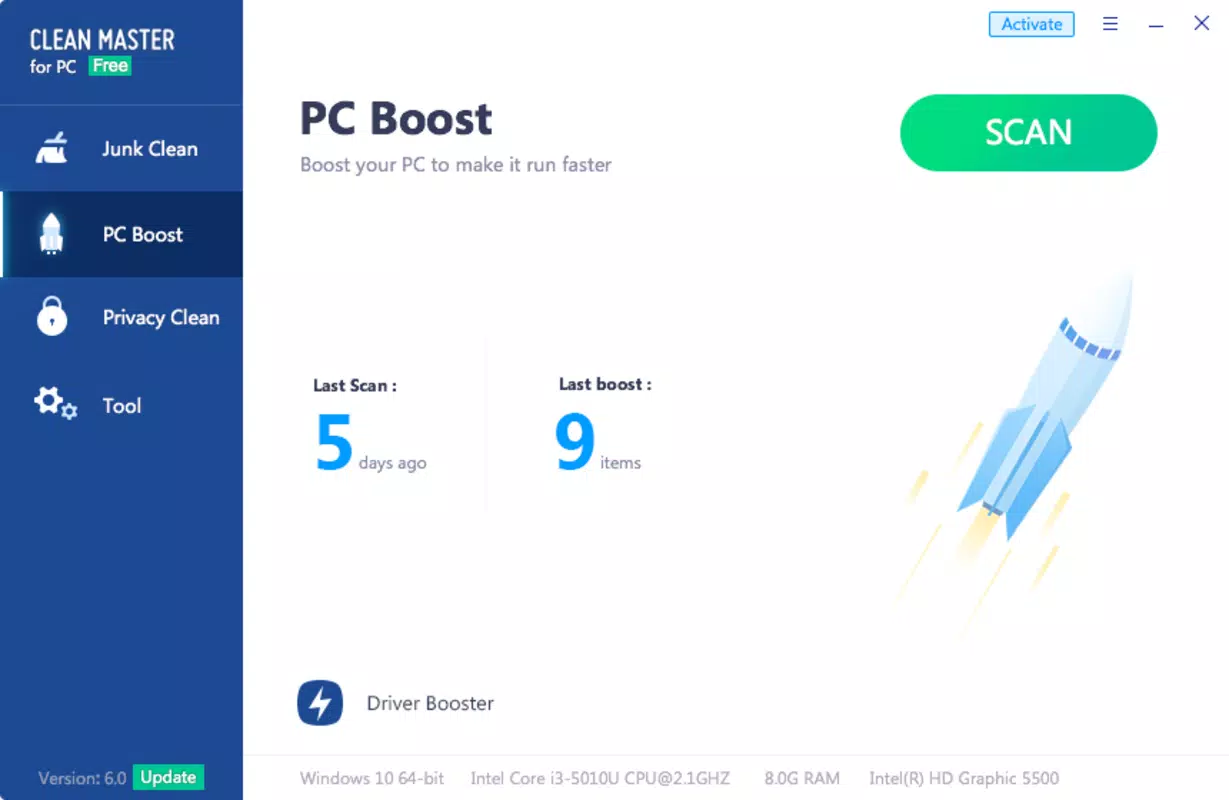
- One-Tap Boost: Applies a series of system optimizations with a single tap, adjusting settings to improve performance and battery life.
- Residual File Removal: Automatically cleans up leftover files after app uninstallation, preventing storage creep over time.
Each feature is designed to address a specific pain point in device maintenance. For example, the cache cleaner helps prevent storage overload in apps like social media or messaging platforms that generate large temporary files. The startup manager is beneficial for users experiencing slow boot times due to too many background services. The malware scanner offers basic protection against common threats, though it does not claim to replace comprehensive security suites. The one-tap boost simplifies optimization for users who prefer minimal interaction with system settings.
Interface, UX & Performance
Clean Master Cleaner features a clean, intuitive interface with a dashboard-style layout that organizes tools into clear categories. The visual design emphasizes usability, using icons and color-coded indicators to represent different types of issues—such as storage usage, running apps, and security threats. Navigation is straightforward, allowing users to access core functions with minimal taps.
The app is designed to be user-friendly, even for those with limited technical knowledge. Menus are logically structured, and most actions require confirmation before execution, reducing the risk of accidental changes. Although the developer did not list formal performance metrics, the app is reported to operate efficiently on a range of Android devices, including mid-tier and entry-level models. Responsiveness is generally consistent during scanning and cleanup operations.
Stability appears to be maintained across sessions, with no widespread reports of crashes or freezes. However, users are advised to monitor the app’s behavior after major system updates. The developer did not specify minimum OS requirements or compatibility details beyond the Android platform.
Platform Compatibility & Technical Requirements
Clean Master Cleaner is available exclusively on the Android platform. The current version is 6.3.8, with a file size of 25.2 MB. This relatively small footprint makes it suitable for devices with limited storage capacity. The app is free to download and use, with no in-app purchases or subscription models currently listed.
Compatibility information was not fully disclosed. The developer did not specify minimum OS requirements or device specifications. As such, users should verify whether the app runs on their specific Android version and hardware configuration. The app may not be compatible with older or highly customized Android systems. It is recommended to check for updates regularly to ensure access to the latest features and security patches.
Pros and Cons
Pros
- Efficiently cleans cache, junk files, and browsing histories
- Removes unused apps and their residual data
- Includes a lightweight antivirus scanner for malware detection
- One-tap optimization boosts performance with minimal effort
- Free to use with no hidden costs
- Lightweight design suitable for low-end devices
Cons
- Few recovery options for deleted files or settings
- Does not provide detailed logs or audit trails
- Specific system requirements were not listed
- Malware protection is basic and not comprehensive
- Some features may require user permission for full functionality
FAQ
Is Clean Master Cleaner safe to use?
Yes, the app is designed to operate only with user permission. It does not make changes without explicit consent. However, users should exercise caution when deleting files or apps to avoid unintended consequences.
Can I recover deleted files after using Clean Master?
The app does not offer built-in recovery options. Once files or apps are deleted, they cannot be restored through the app itself. Users are advised to back up important data before performing cleanups.
Does Clean Master require a constant internet connection?
While the app functions offline for basic cleanup tasks, certain features like malware scanning may require an internet connection to access up-to-date threat databases.
How often should I use Clean Master?
Users can run the app as needed—weekly or monthly—depending on device usage. Frequent use is not required, but regular maintenance helps prevent performance degradation.
Is Clean Master available for iOS devices?
No, the app is currently only available for Android. There is no official iOS version listed.
Final Thoughts
Clean Master Cleaner offers a practical, no-frills solution for maintaining Android device performance. Its combination of file cleanup, app management, and basic security features makes it a valuable tool for users seeking to extend the life and efficiency of their smartphones and tablets. While it lacks advanced recovery mechanisms and detailed diagnostics, its simplicity and accessibility stand out.
It is particularly beneficial for users who want a reliable, free tool to manage storage, boost speed, and enhance privacy without deep technical involvement. The absence of in-app purchases and the lightweight design further enhance its appeal. For those looking to keep their Android device running smoothly with minimal effort, Clean Master delivers solid value.
Download Clean Master now


